
Push-Pull Smart Lock vs Handle Lock: Which Is Better?
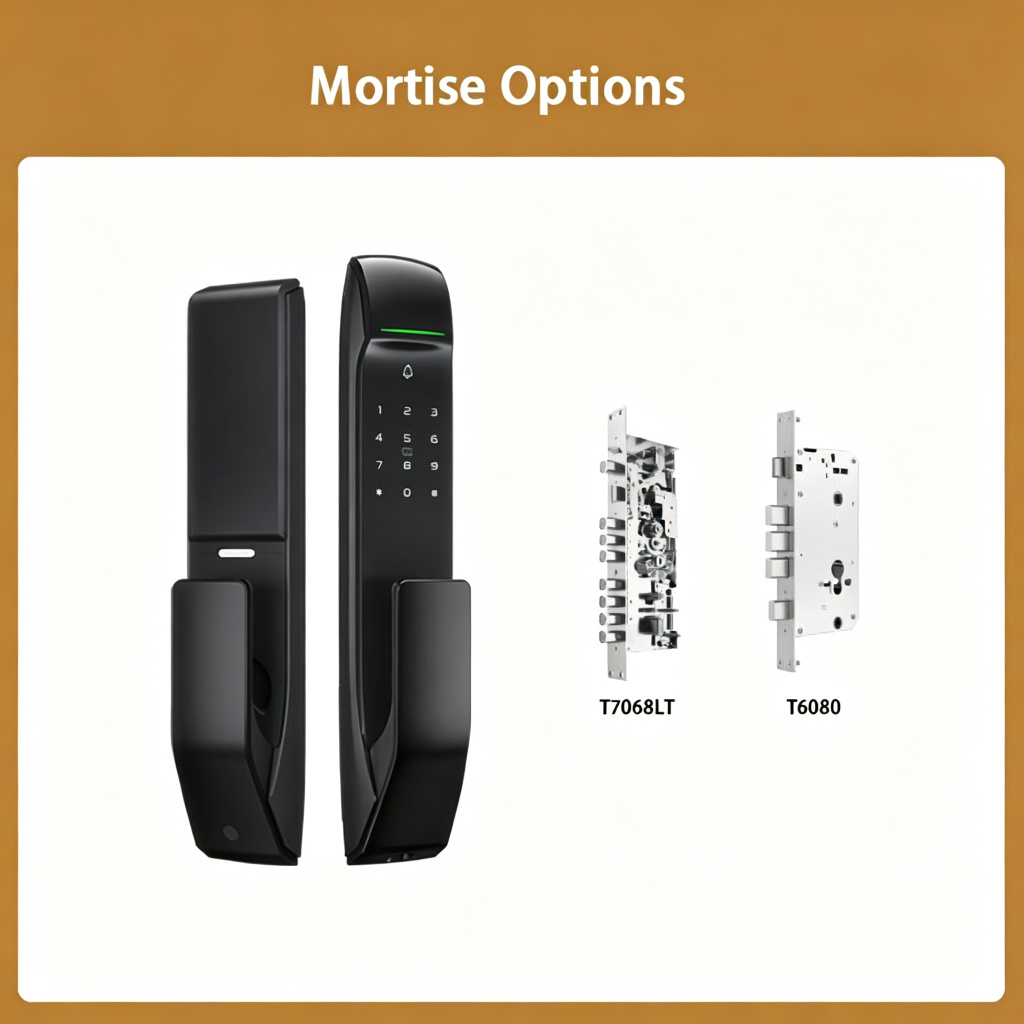
When you buy a smart door lock, you’ll quickly notice two main designs: the traditional handle lock and the modern push-pull lock. The SK-A2 is a push-pull design. Let’s compare the two.
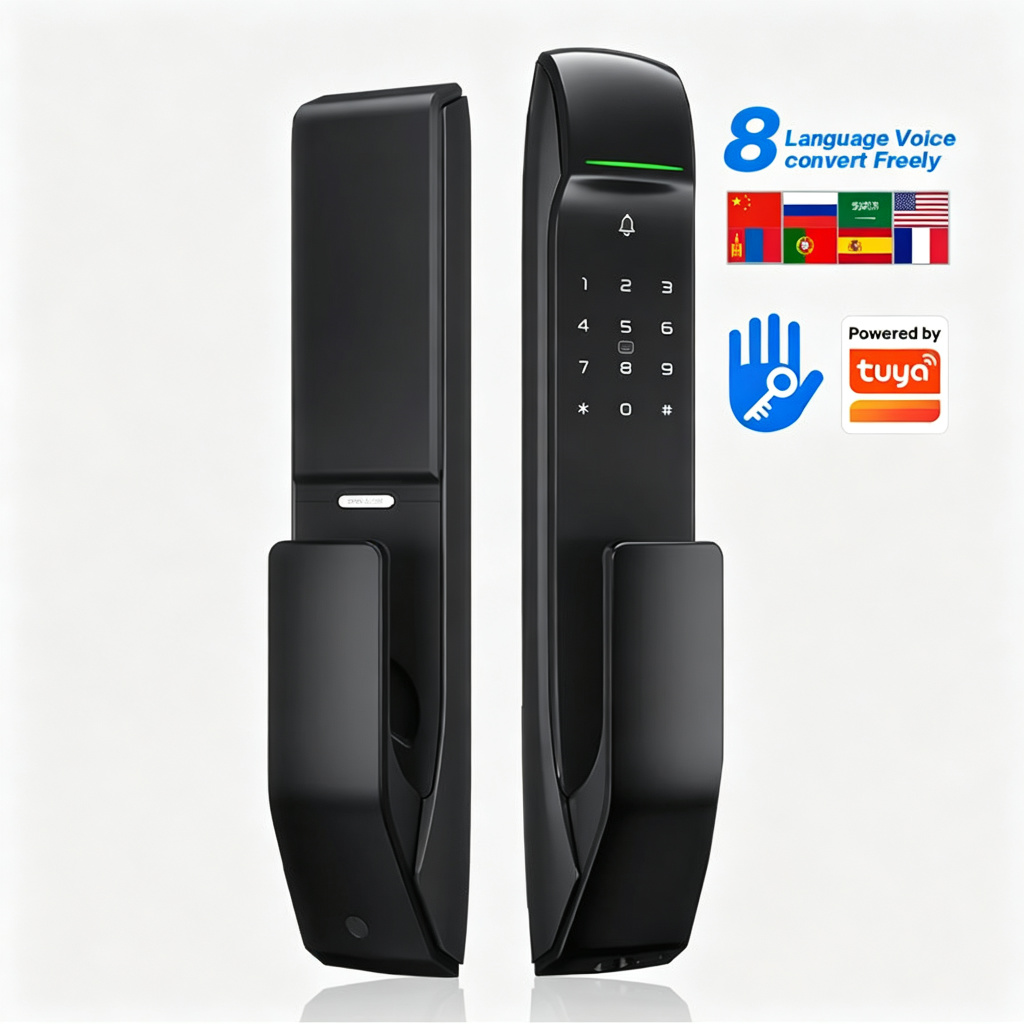
What Is a Push-Pull Smart Lock?
A push-pull smart lock has no traditional handle. To open the door, you simply push the outside panel inward. To close it, you pull the panel outward. The motorized mechanism locks automatically when the door closes.
- One-touch operation – push to open, pull to close, no twisting needed.
- Cleaner look – no protruding handle, more minimalist design.
- Auto-lock – locks automatically when the door shuts.
- Easier for kids and elderly – simpler motion than turning a handle.
Push-Pull vs Handle Lock
| Push-Pull Lock | Handle Lock | |
|---|---|---|
| Operation | Push / pull | Twist handle |
| Look | Minimalist, clean | Traditional |
| Auto-lock | Built-in motor | Optional |
| Best for | Modern homes, apartments | Traditional doors, rental properties |
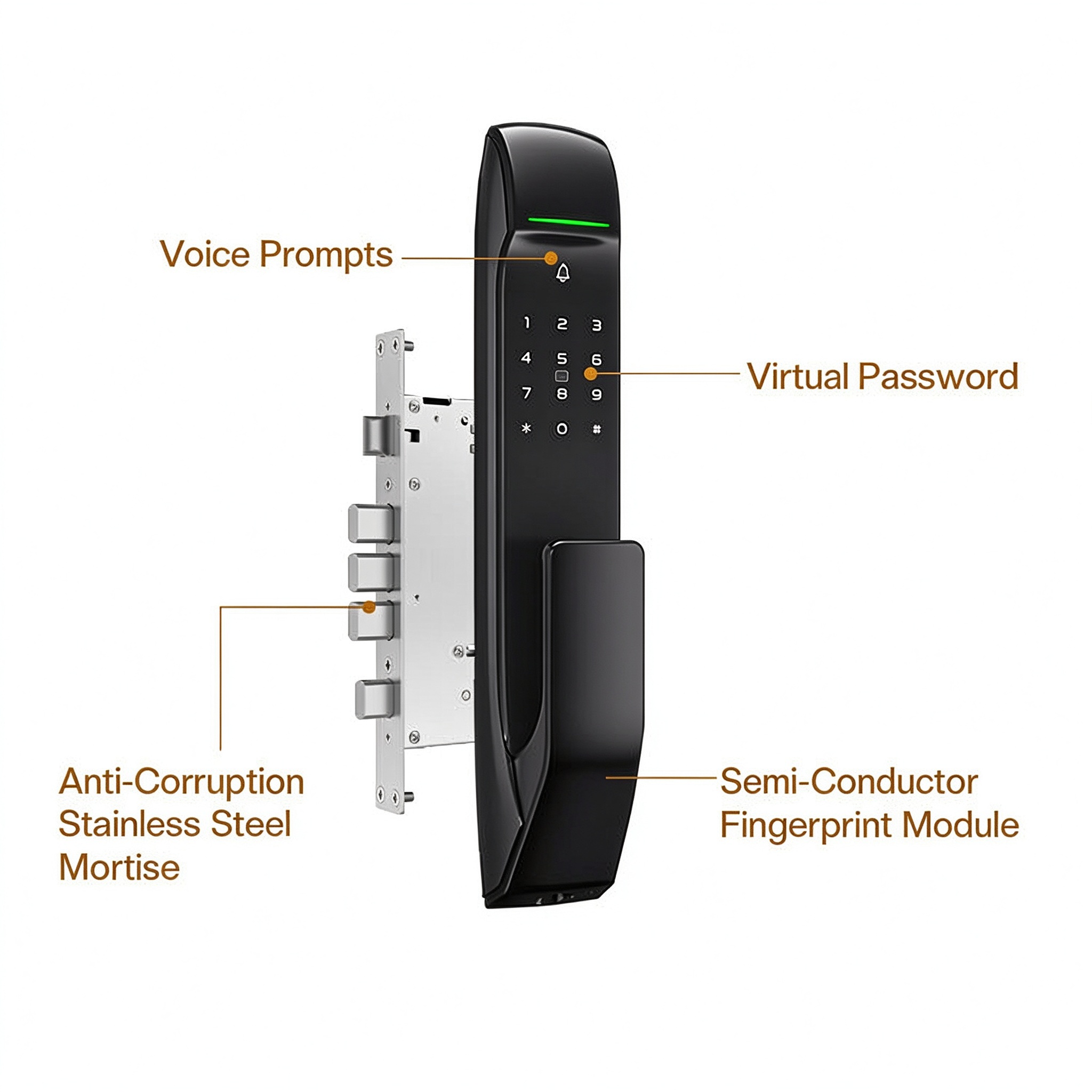
The SK-A2: Automatic Push-Pull + Tuya App
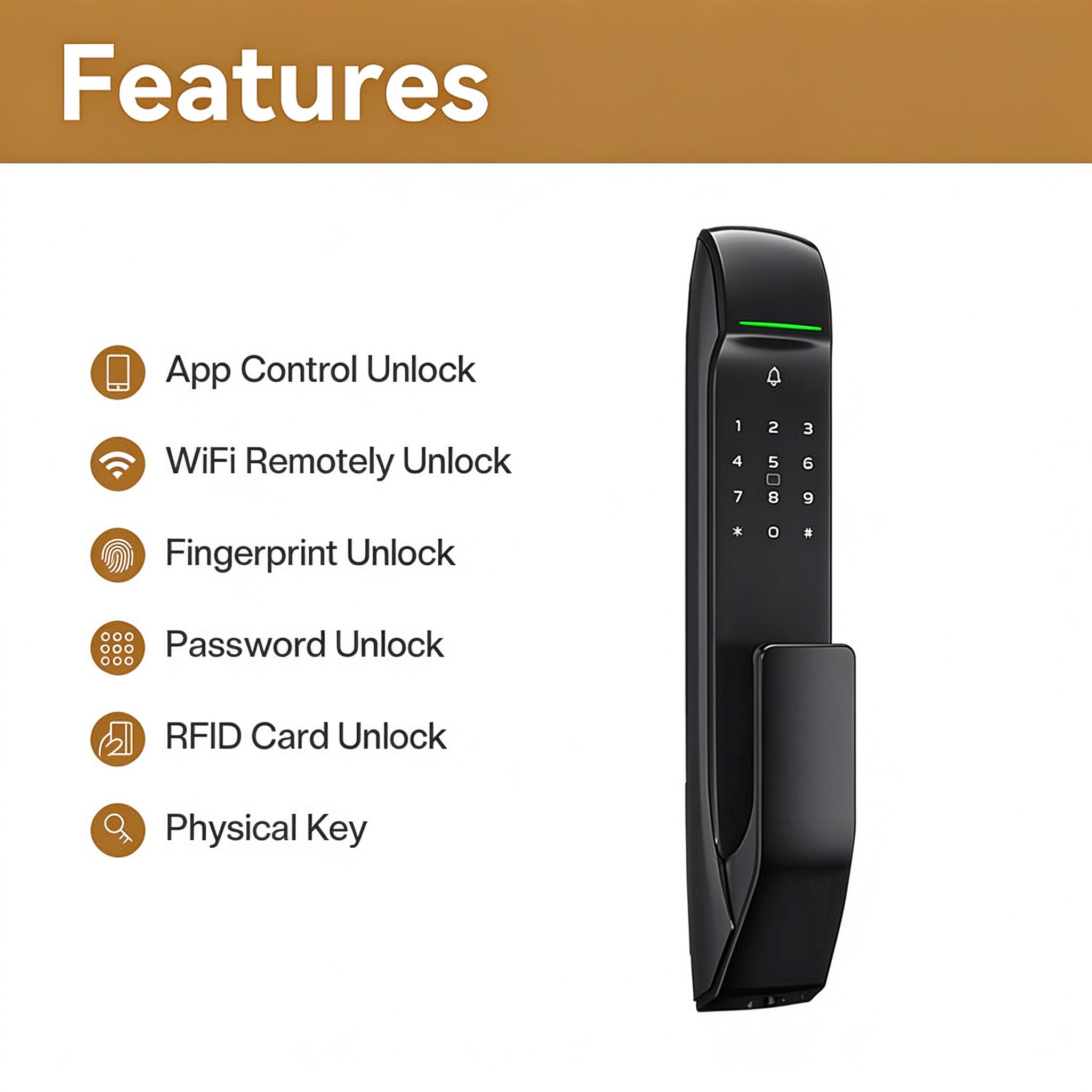
The SK-A2 combines the push-pull design with five unlock methods: fingerprint, PIN code, RFID card, Tuya App and mechanical key. It also has WiFi + Bluetooth, a built-in doorbell, two-way audio and waterproof body.
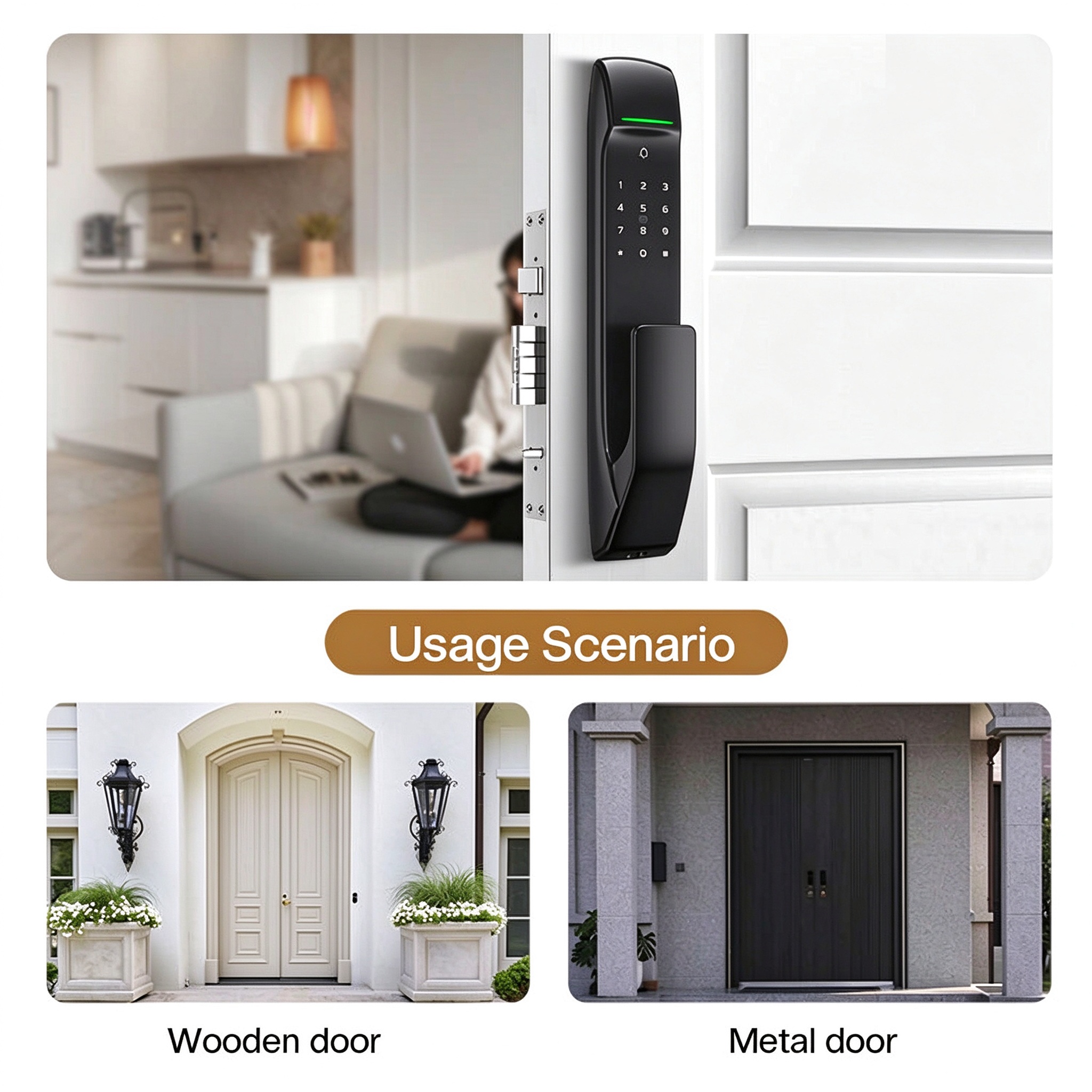
Specifications of the SK-A2
- Model: SK-A2
- App: Tuya (WiFi + Bluetooth)
- Unlock methods: Fingerprint / PIN / RFID card / App / Key
- Body material: Aluminum alloy
- Design: Automatic push-pull
- Doorbell: Built-in
- Two-way audio: Yes
- Waterproof: Yes
- Lock cylinder: C-class security
- Voice: 8 languages
Getting Started
As an OEM/ODM manufacturer, we supply Tuya automatic push-pull smart door locks with custom logo, packaging and color options for distributors and project buyers. Contact us for samples, bulk pricing or OEM/ODM customization.